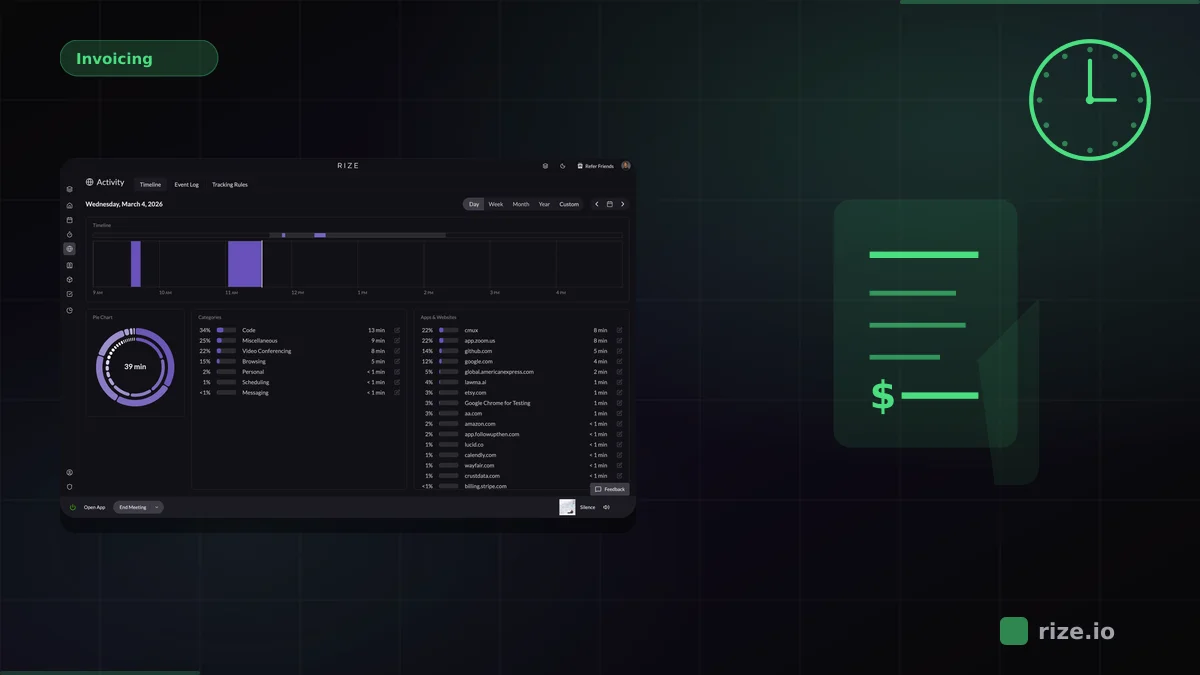
The best time tracking setup for Monday.com is the one that captures all the work your team does, not just the tasks they remember to time inside Monday. For agencies and professional-services teams, that means automatic capture across every tool, with Monday.com as the project hub.
Monday.com is where boards and items live, but the actual work happens in Figma, Slack, Google Docs, email, browsers, and video calls. If time tracking starts and ends inside Monday, it misses everything else. That gap is where billing accuracy and project estimates break down.
15-40%
Typical billable hours lost when teams depend on manual timers instead of automatic capture.
20%
More billable time recovered by Momentum Studio after switching from manual tracking to Rize.
98%
Billing accuracy reached by Impulse Labs using automatic capture instead of reconstructed timesheets.
Key Takeaway
Rize is the best time tracking tool for Monday.com when the problem is that people forget to track. It captures every work session automatically in the background, categorizes time by project using AI, and syncs approved entries to Monday.com via Zapier. Monday.com native tracking is better if your entire workflow lives inside Monday and you can rely on consistent timer usage.
Why Monday.com Users Need Better Time Tracking
Monday.com's native time tracking column lets users start and stop timers on individual board items. It is useful when work maps neatly to a single item, but it breaks down in practice because most knowledge work involves constant context switching across tools.
A project manager might spend 15 minutes updating a Monday board, then 30 minutes in Google Docs drafting a brief, then 20 minutes on a Slack thread with a client. The Monday timer only captures the first 15 minutes. The other 50 minutes of billable work go unrecorded.
Teams using manual timesheets typically miss 15-40% of billable hours. An automatic workflow changes the sequence: capture all work as it happens with automatic time tracking, then map those hours to Monday.com items after the fact.
Comparing the 6 Best Time Trackers for Monday.com
The main distinction is whether the tool captures time automatically or depends on manual timers. Rize is fully automatic. Monday.com native tracking requires start/stop actions. Toggl, Clockify, Everhour, and Harvest are all timer-based with varying Monday.com integration depth.
| Tool | Tracking method | Monday.com workflow | Pricing | Best for |
|---|---|---|---|---|
| Rize | Fully automatic desktop capture | Sync approved entries via Zapier | From $9.99/mo | Teams losing hours to context switching |
| Monday.com native | Manual start/stop timer column | Built into boards | Included in Pro ($19/seat/mo) | Teams whose work stays inside Monday |
| Toggl Track | Manual timers with background timeline | Browser extension + integration | Free; Starter $9/user/mo | Teams with consistent timer habits |
| Clockify | Manual timers with optional auto tracker | Browser extension + integration | Free (5 users); Pro $7.99/user/mo | Budget-conscious teams |
| Harvest | Manual timers | Direct integration | Free (1 seat); Teams $9/seat/mo | Teams that need tracking plus invoicing |
| Everhour | Manual timers embedded in PM tools | Native Monday.com integration | Free (5 users); Team $8.50/user/mo | Small teams wanting in-board timer buttons |
Rize: Best for Automatic Time Capture
Rize is the best fit for Monday.com users when the underlying problem is that people forget to track, not that Monday lacks a timer column. It captures every application, browser tab, document, and meeting context automatically, then uses AI to group sessions by project.
That matters because most Monday.com work happens outside Monday. A marketing team might spend 20 minutes in Monday organizing tasks, 2 hours in Google Docs writing content, 30 minutes in Canva creating graphics, and 15 minutes reviewing feedback in Slack. Only the Monday time shows up in native tracking.
Rize captures all of it. It detects Monday.com activity from your browser while simultaneously tracking every other tool. The result is accurate project-level time data that reflects reality instead of estimates.
Momentum Studio recovered 20% more billable time after switching to Rize. Impulse Labs reached 98% billing accuracy. Those gains come from capturing the work that manual logging misses, regardless of which project management tool the team uses.
Stop losing hours between Monday.com boards
Rize captures the work automatically, then lets you push approved time into Monday.com via Zapier today — native integration coming late 2026.
Start Free TrialMonday.com Native Tracking: Best for In-Board Simplicity
Monday.com native time tracking is the simplest option if your team's work happens primarily inside Monday boards. The time tracking column adds a start/stop timer to any board item, and the data stays in Monday for reporting and dashboards.
The feature is included in the Pro plan at $19/seat/month. It works well for teams that manage tasks, communicate, and review deliverables within Monday itself. The tradeoff is that it captures nothing outside Monday, and it depends on consistent timer discipline from every user.
For teams whose workflow spans multiple tools, Monday native tracking leaves significant gaps. But for teams that genuinely operate inside Monday for most of their day, it is the zero-friction choice.
Toggl, Clockify, Harvest, and Everhour
Toggl Track, Clockify, Harvest, and Everhour are all credible manual-timer options with Monday.com integrations. They differ in pricing, interface design, and how tightly timers integrate with Monday boards.
Toggl Track is the most polished timer-based tracker. Its browser extension adds one-click timers to Monday.com items, and its reporting is clean. The Starter plan at $9/user/month adds team features. Best for teams that already have consistent timer habits.
Clockify is the budget option. Its free plan covers basic tracking for up to 5 users (billable rates and report exports now require a paid plan), and the Monday.com integration works through a browser extension. Teams that prioritize cost over polish find it reliable enough, though the accuracy depends entirely on timer compliance.
Harvest combines time tracking with invoicing and expense management in one tool. Its Monday.com integration is direct, not just via browser extension. At $9/seat/month on annual billing (plus usage-based fees for additional invoices, projects, and clients), it is a strong option if you need billing built into your tracker. The manual timer dependency applies.
Everhour integrates natively with Monday.com, embedding timer buttons directly into board items. The free plan supports up to 5 users. At $8.50/user/month, the Team plan adds budgeting and reporting. It reduces the friction of switching apps to start a timer, but still requires manual action.
Privacy and Adoption
Time tracking tools fail when the team resists using them. Screenshot-based or keystroke-logging trackers create adoption problems, especially on creative and knowledge-work teams that value autonomy.
Rize is privacy-first: no screenshots, no keylogging, no screen recordings. It tracks which applications and browser tabs are active, not what is on screen. That distinction keeps the tool useful without making it feel punitive. For shared team views, Rize for Teams extends the model into dashboards and utilization reports without surveillance.
Which Monday.com Time Tracker Should You Choose?
Choose based on the actual problem. If people forget to track, choose Rize. If your entire workflow stays inside Monday.com, use native tracking. If cost matters most, choose Clockify. If you need invoicing built in, choose Harvest. If you want in-board timer buttons, choose Everhour.
For most teams where Monday.com time tracking is underperforming, the root cause is not the integration. It is the gap between the work that happens and the work that gets recorded. Automatic capture closes that gap without changing how your team uses Monday.com.
Start with automatic time tracking, check pricing, or try Rize free for 7 days to see what your Monday.com workflow is actually missing.
Start tracking time automatically
Join thousands of professionals who stopped guessing where their time goes. Free for 7 days.
“Rize has been a no-brainer for me.” — Ali Abdaal Read more →