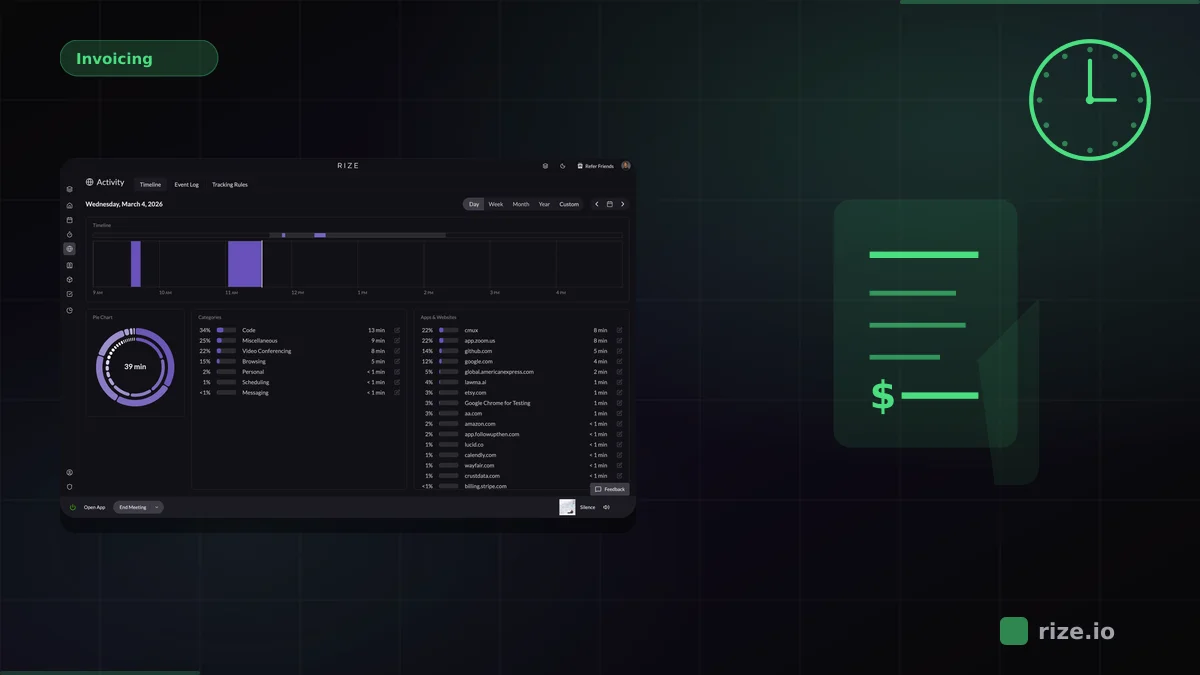
Rize is an automatic time tracker with a native Linear integration. It syncs Linear issues and projects into Rize, captures every work session in the background, supports multiple Linear workspaces, and turns AI task suggestions into new Linear issues in one click. No timers and no browser extension.
If your team plans work in Linear and needs accurate hours without start/stop timers, this guide compares the four main options: Rize, Timely, TrackingTime, and TMetric. Timers are the weak point. A Harvard Business Review analysis of how people move between apps found that switching between tools is constant through the workday, and every switch is a chance to forget a timer.
Quick Answer: Best Automatic Time Tracker for Linear
Rize is the strongest automatic time tracker for Linear teams. It combines a native OAuth integration, fully automatic capture, multiple Linear workspaces per organization, and one-click issue creation from AI suggestions. Timely also syncs Linear natively but needs a review step for every entry, while TrackingTime and TMetric add a manual timer button to Linear in the browser.
Comparison: Linear Time Tracking Integrations
| Feature | Rize | Timely | TrackingTime | TMetric |
|---|---|---|---|---|
| Integration Type | Native (OAuth + webhooks) | Native (Linear Sync) | Browser extension | Browser extension |
| Tracking Method | Fully automatic, no timers | Background capture, entries reviewed and approved | Manual timer in Linear | Manual timer in Linear |
| What Syncs From Linear | Issues and projects | Teams, projects, issues, labels | Issue name on the timer | Issue name on the timer |
| Multiple Linear Workspaces | Yes (since Nov 2025) | Not documented | Not documented | Not documented |
| Linear Mapping | Teams to Rize workspaces, projects to Rize projects | Teams to clients, issues to activity references | Manual per task | Manual per task |
| Create Linear Issues | Yes, from AI suggestions | No | No | No |
| Pricing | From $23.99/mo (Pro); $29.99/seat/mo (Team), billed annually | Linear Sync from $16/user/mo (Premium, annual) | Free plan; paid from $4.50/user/mo (annual) | Free for up to 2 seats; paid from $5.83/seat/mo (annual) |
What Rize's Linear Integration Does
Rize connects to Linear over OAuth, not through a browser extension, and keeps Linear issues and projects in sync inside Rize through Linear webhooks. Rize is listed as an official integration on the Linear integrations directory.
The integration shipped in May 2025 with issue and project sync and time reports filtered by Linear project. Each Linear team maps to a Rize workspace, and each Linear project becomes a Rize project, so time rolls up the same way your Linear board is organized. In November 2025, Rize added multi-account support. Agencies working across several client Linear workspaces can connect all of them under one Rize organization.
Rize also suggests tasks from your activity. If you spend time on work that has no matching issue, Rize proposes a task based on that session. One click creates the issue in Linear with the time entry already linked in Rize.
What it does not do: Rize does not write logged time or comments back into Linear issues. Tracked time, reports, and invoices live in Rize. If your team needs hours to appear inside Linear itself, none of the four tools here does that today; Timely's Linear Sync is also one-way.
How Automatic Capture Works with Linear
Automatic time tracking: Rize runs in the background, records which apps, documents, and browser tabs you work in, and assigns that time to the Linear issues synced into Rize. There is no timer to start or stop.
- Install Rize and connect your Linear account in Settings.
- Choose which Linear teams to sync and the Rize workspace each one maps to.
- Work normally. Rize captures sessions and assigns them to your synced issues and projects.
- Review suggested tasks and create any missing Linear issues in one click.
- Pull time reports by project, client, team, or date range.
Because capture happens in the Rize desktop app, it does not depend on which browser you use or whether you open Linear in the desktop app. That matters because interruptions add hidden cost: the UC Irvine study "The Cost of Interrupted Work" by Gloria Mark found that people make up for interruptions by working faster, at the price of more stress. Stopping to manage a timer is one more interruption. Atlassian's research on workplace time shows how much of the week goes to meetings and tool switching that a browser-only timer never sees.
Teams already build on this data. Impulse Lab, a six-person web AI agency, is building agents inside Linear that pull time data from Rize to connect issues with time spent. As CEO Leonard Roussard put it: "We use Rize to know: 'We spent 30 hours on this client and got this result.' That's powerful when you're working lean and launching quickly."
Timely: Native Linear Sync, Manual Approval
Timely has a native Linear Sync that brings Linear teams, projects, issues, and labels into Timely. According to Timely's integration handbook, the sync is one-way from Linear to Timely and is available on the Premium plan and above.
Timely's Memory feature records app and website usage, then drafts time entries that each person reviews and approves. Linear teams map to Timely clients and issues become activity references you attach to entries. The trade-off is the approval step: time only counts once someone confirms it. Linear Sync requires Premium, which starts at $16 per user per month billed annually, against a $9 Starter plan. Timely's strength is resource planning and utilization dashboards for larger teams.
TrackingTime: Browser Extension Approach
TrackingTime connects to Linear through a browser extension that adds a timer button inside the Linear web app. Users click start and stop on each issue to log time.
This suits teams that want manual control over entries. The Linear timer only works in the browser, so time spent in the Linear desktop app, another browser, or a forgotten timer is not logged against the issue. TrackingTime has a free plan for unlimited users, and paid plans start at $4.50 per user per month billed annually, or $6 billed monthly. Its paid plans add AutoTrack for app usage, but Linear time still runs through the manual timer.
TMetric: Manual Timers with Linear Task Linking
TMetric offers a browser extension that puts a start/stop timer on Linear issues. It is free for up to 2 seats. Paid plans start at $5.83 per seat per month billed annually, or $7 billed monthly.
Like TrackingTime, TMetric relies on manual timers rather than automatic capture. There is no background detection of which issue you are working on, so accuracy depends on each person remembering to press start. For small teams that do not mind timers, TMetric is a low-cost option, but it does not solve forgotten or inaccurate entries.
Using Rize Across Multiple Project Management Tools
Rize supports native integrations with Linear, ClickUp, and Asana, plus Zapier connections to Notion and 8,000+ other apps. Teams that split work across several tools do not need a separate time tracker for each one.
A common agency setup: client engineering work in Linear, internal operations in Asana, and documentation in Notion. Rize captures time across all three automatically, and tasks from each tool land in the same Rize workspace. You pull one report across every integration from the Rize dashboard instead of stitching exports together.
This is where Rize separates from single-integration timers like TrackingTime or TMetric. Instead of a timer that only works inside one project management tool, you get automatic time tracking that follows you across your whole tool stack.
When Rize Is Not the Right Pick
Rize is not the right pick if your team needs logged hours to show up inside Linear issues, because Rize keeps time, reports, and invoices in Rize.
It is also more than you need if your team already starts timers reliably and wants a free plan: TrackingTime and TMetric both put a timer on Linear issues at no cost for small teams. Teams that mainly want resource planning across a large staff may prefer Timely, which pairs Linear Sync with capacity dashboards. Prices in this guide were checked on each vendor's pricing page on October 12, 2026.
Which Tool Should You Choose?
The right choice depends on how your team works:
- Rize: best for teams that want fully automatic tracking with no timers, native Linear sync, multiple Linear workspaces, and coverage across Linear, ClickUp, Asana, and Notion. From $23.99/month (Pro) or $29.99/seat/month (Team), billed annually. Free trial on all plans.
- Timely: best for larger teams focused on resource planning that accept a daily approval step. Linear Sync from $16/user/month (Premium, annual).
- TrackingTime: best for teams that prefer manual timers and a simple browser connection to Linear. Free plan; paid from $4.50/user/month (annual).
- TMetric: best for very small teams comfortable with manual timers. Free for up to 2 seats; paid from $5.83/seat/month (annual).
The Project Management Institute's Pulse of the Profession research tracks how often projects miss budget, and time data that undercounts real hours is one reason budgets drift unnoticed. For agencies and engineering teams that bill by the hour and plan in Linear, automatic capture, native issue sync, and multi-workspace support make Rize the most complete option. You can start a free trial and connect Linear in a couple of minutes.