Rize V2.3.6 is here with powerful new import/export tools, Chrome profile tracking, a new support platform, and dozens of improvements and fixes.
NEW
CSV Import & Export
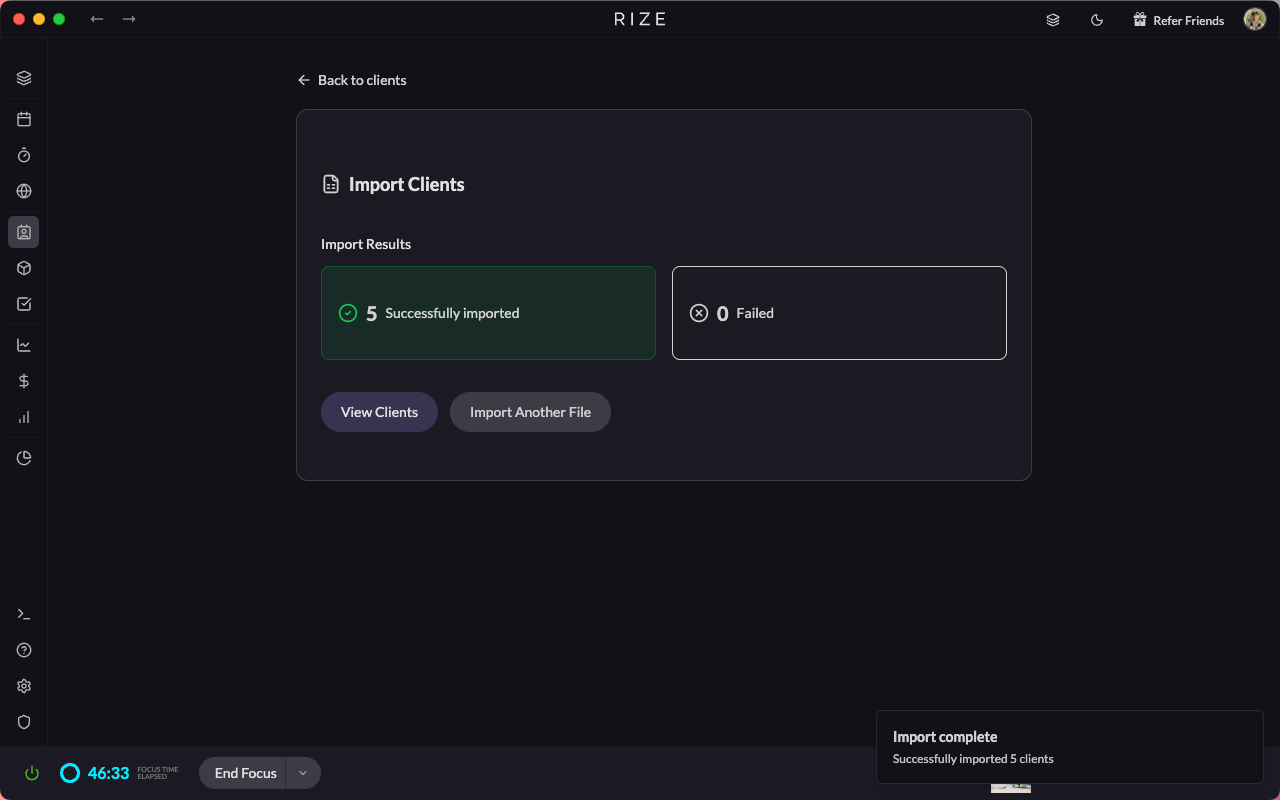
Bulk manage your workspace data with CSV files. Read the full announcement
- Import clients, projects, tasks, and team members via CSV
- Batch update existing records using CSV
- Download CSV templates pre-populated with your existing data
- Export your data, make edits, and re-upload for fast bulk changes
- Import file size limit: 5MB
Chrome Extension - Profile-Based Tracking
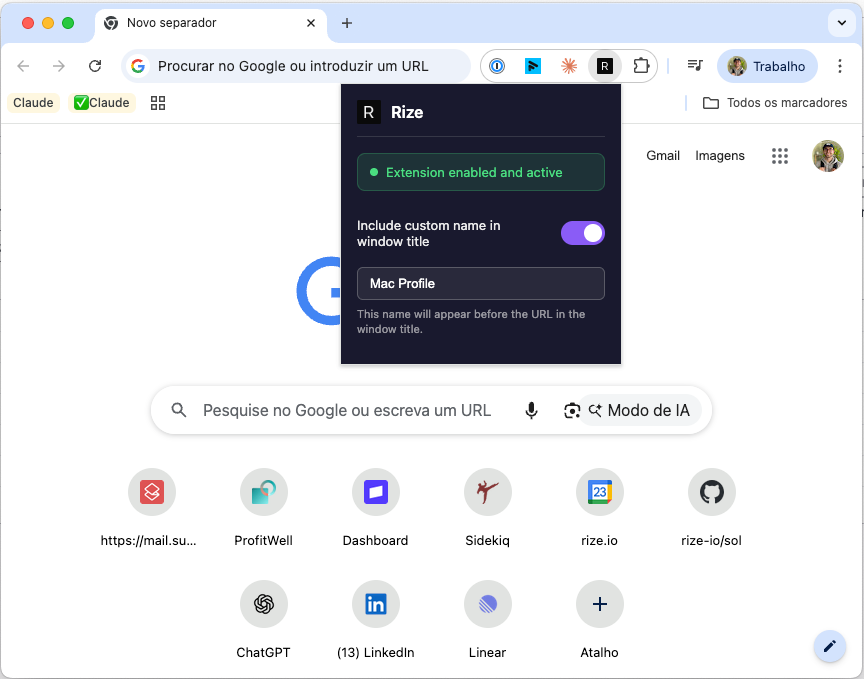
Distinguish activity across different Chrome profiles. Read the full announcement
- Set and store a custom name per Chrome profile
- Easily distinguish activity across work, personal, or client-specific profiles
- Append a custom keyword to the window title per profile
- Ideal for tracking work vs personal or client-specific browsing
Support Platform Update
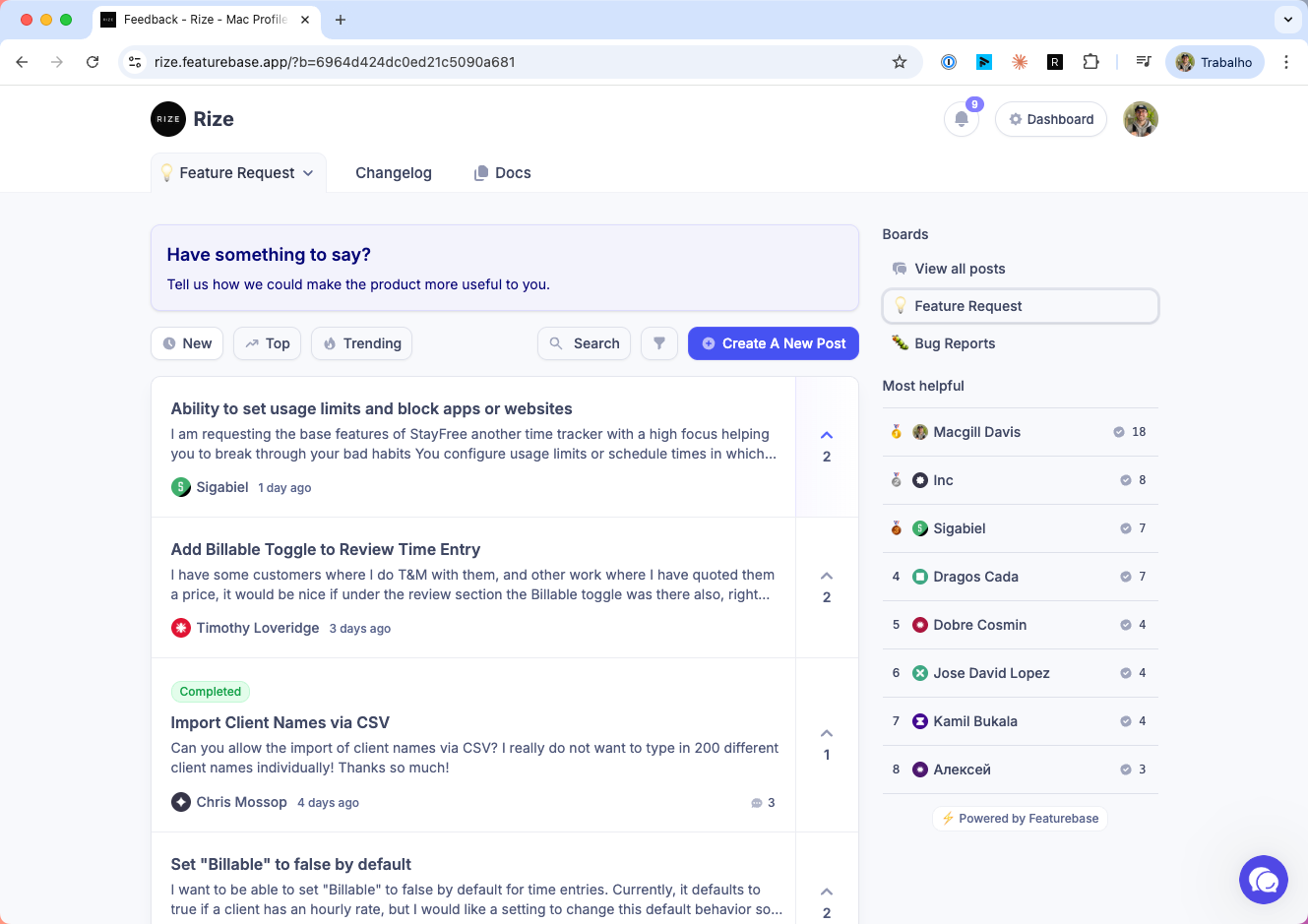
We've switched to Featurebase for a better support experience. Read the full announcement
- Replaced HelpScout with Featurebase for support, feedback, and bug reports
- New in-app widget with Support, Feature Request, and Bug Report options
- View what's planned, in progress, and shipped at rize.featurebase.app
IMPROVEMENTS
Task Assignee Handling
- Tasks can now have a blank assignee when none is detected
- No longer defaults the creator as the assignee incorrectly
- Supports assigning tasks to other team members correctly
Improved Task Search & Creation
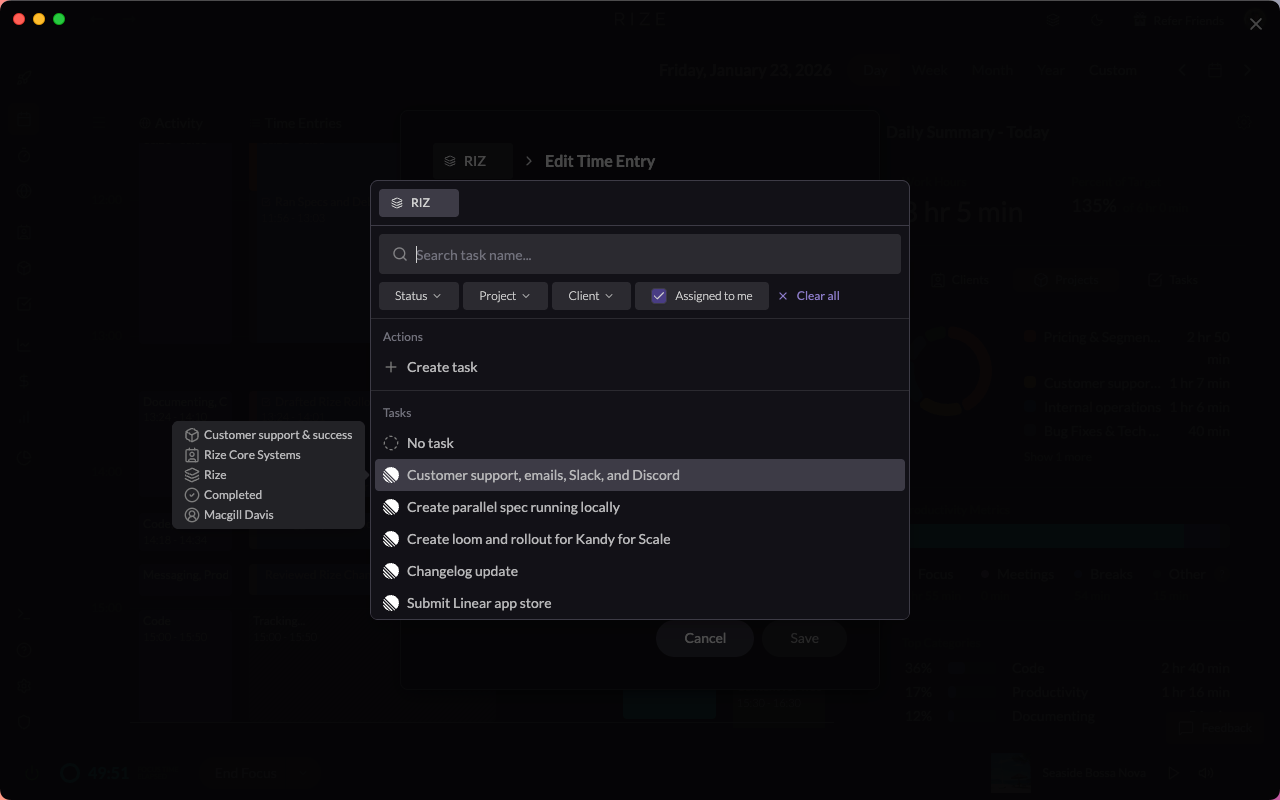
- New task search modal with filters for client, project, and status
- Faster scrolling and easier discovery
- AI-powered task suggestions based on recent activity
- Quick-create tasks directly from the search modal
- Filter tasks by workspace/team
ClickUp & Linear Improvements
- Subtasks now include the parent task name for better clarity
- Imported ClickUp data is now properly deleted when unselected in Settings
- Clients, projects, and tasks are fully cleaned up when removed
- New sync status badges show whether a ClickUp team is syncing, succeeded, or failed
API Updates
- Added
billablefield to public API time entry mutations
FIXES
Breaks & Distraction Blocker
- Break windows now appear on all monitors
- Improved handling across multi-monitor setups
Billing & Rates
- Decimal values now allowed for cost rates and hourly rates
API Data Visibility
- API now returns all visible clients, projects, tasks, and time entries
- Data returned is based on the user's role: Admins see all workspace data, Members see all data they have access to
- Previously limited to data created by the API key owner
Timezone Fix
- Fixed time zone bug with Asia/Rangoon
AI & Platform Fixes
- AI split suggestions now default to two segments (faster and more accurate)
- Fixed the GraphQL Playground at api.rize.io/api/v1/graphiql
BETA
New Home Layout
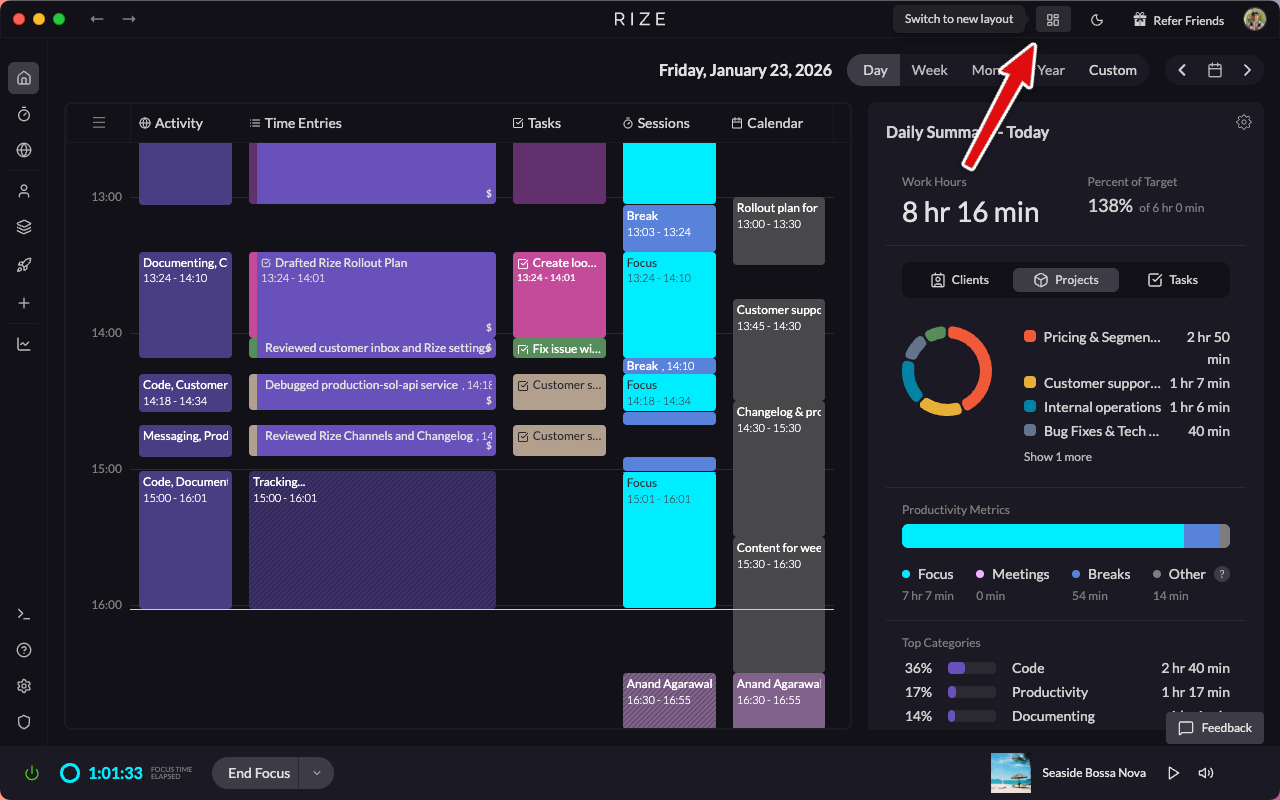
- Testing a refreshed Home layout focused on faster access to what matters most
- Toggle it on from the top-right menu in your dashboard
- Early preview - feedback welcome
AI Categorization by Keyword (Exact Matching)
- Create time entry candidates using exact keyword matches for clients, projects, and tasks
- Supports very short entries (down to 1 minute)
- Ideal for highly precise, rule-driven categorization
- How to enable: Settings > Time Entries > Enable "Use client/project/task keyword matches for time entry candidates"
WHAT'S NEXT
We're continuing to make Rize more flexible, customizable, and extensible:
- Customization to support different use cases
- Feature modularization - disable features you don't use
- More custom views for faster insight
- Major performance and infrastructure improvements
- Continued investment in API extensibility and automation
More updates coming soon.