Product

TeamsPricingBook Demo
Scores Release - Changelog v0.0.10

Scores Release - Changelog v0.0.10

macgill davis · October 16, 2020

Shipped

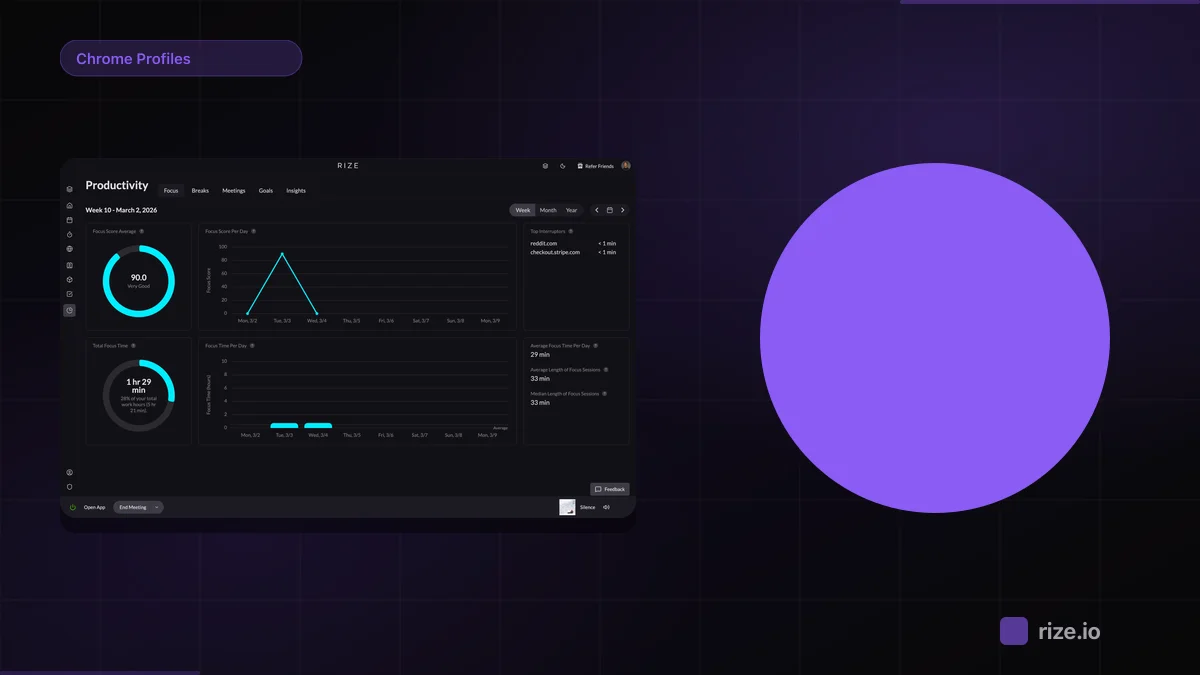
  • Work Scores - We released four new scores: Productivity Score, Focus Score, Break Score, and Meeting Score. The goal of scores is to help you understand how much focus time, break time, and meeting time you're getting each day. You can click on the “Show score details” button to see all the metrics that go into calculating each score. We’d love to hear your thoughts! We’ll continue to tweak and improve the score models as we get more data and feedback. 
  • Zoom on Your Timeline - You can now drag and zoom in on your timeline from the dashboard. You can update the permanent timeline start and end times from their defaults of 6am to 10pm in your settings.
  • Work Hours - You can now see the number of work hours on your dashboard. This number includes your tracked time in addition to any breaks you’ve taken throughout the day.

Up next

  • Journal items! We want to enable you to build your track record using Rize. A big part of that will entail capturing what you completed each day at a high level. That’s where we think items come into play. We’re going to be re-thinking items from the ground up.

Macgill Davis
Macgill DavisCo-Founder & CEO

Macgill is the co-founder and CEO of Rize, an automatic time tracking app for agencies and professional services teams. He writes about productivity, time management, and building better work habits.

Frequently Asked Questions

Rize released four new scores: Productivity Score, Focus Score, Break Score, and Meeting Score. These scores help you understand how much focus time, break time, and meeting time you're getting each day. You can click "Show score details" to see all the metrics that calculate each score.

You can now drag and zoom in on your timeline directly from the dashboard. If you want to change the permanent timeline start and end times from the default 6am to 10pm, you can update those settings in your preferences.

The work hours number shown on your dashboard includes both your tracked time and any breaks you've taken throughout the day, giving you a complete picture of your total work time.

Yes, you can click the "Show score details" button for any of the four scores to see all the metrics that go into calculating that specific score.

The team is working on journal items, which will help you build your track record by capturing what you completed each day at a high level. They're rethinking items from the ground up to better serve this purpose.

Related Posts